
How to Write a Product Requirements Document (PRD): A Step-by-Step Guide
TL;DR
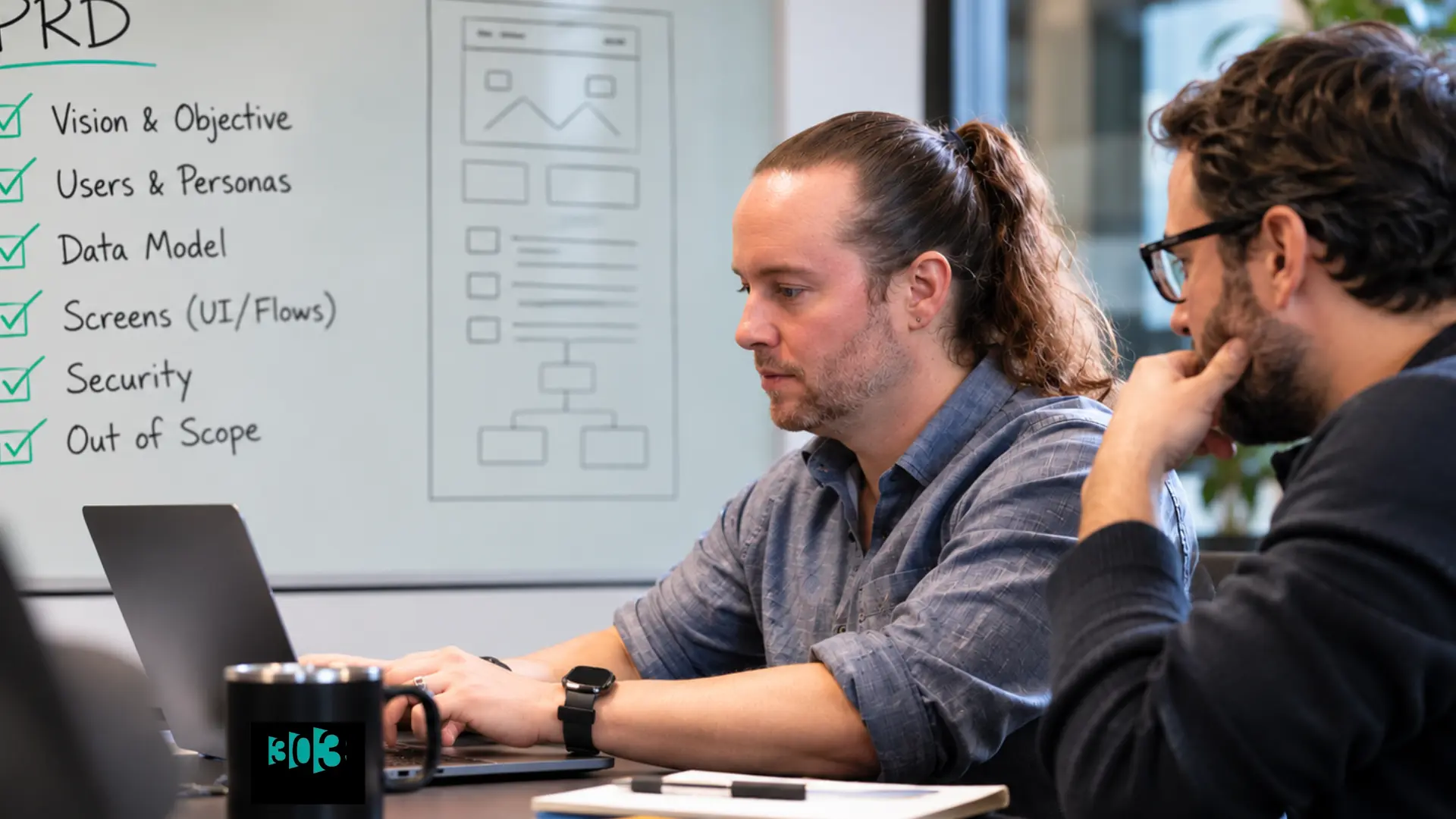
A product requirements document (PRD) defines what you're building and why: the features, purpose, and scope of a release. Writing one means working through a few core sections, objective, users, the data and screens, security, and what's out of scope. If you built your first version with AI, a PRD isn't optional busywork. It's the source of truth the AI keeps forgetting. A PRD sounds like corporate overhead, the kind of document that slows a startup down. Done right, it's the opposite: a page or two that keeps an AI tool, or a new engineer, from guessing at what you actually meant. Think of it as the route you sketch before the hike, not the trip report you write afterward. There's no single official PRD standard, so treat what follows as a strong starting template, not a rulebook.



What is a product requirements document (PRD)?
A PRD is, in ProductPlan's words, "an artifact used in the product development process to communicate what capabilities must be included in a product release to the development and testing teams." Figma puts it more plainly: a document that "outlines what you're building and why. It covers the features, purpose, and scope of a product."
We'd put it more bluntly, because we've watched it play out on real builds: the PRD is the source of truth, and everything else lies. Not the AI builder's memory. Not its guesses from your sample data. Not last week's Slack thread. Not even the code already in the repo. When any of those disagree with the PRD, the PRD wins, or you fix the PRD first and then move on.
It also helps to know what a PRD is not. It's not a market requirements document (that's the why and the market) and it's not a functional spec (that's the how, the implementation detail engineers write). The PRD is the what.
What goes in a PRD
Most PRDs cover the same core ground. Here's the set of sections we actually use, in the order we write them. Not every product needs all of them, so take what fits:
- Vision (one paragraph): what this is, who it's for, and what "working" looks like. The sentence that matters most is the why, what's broken today that this fixes.
- User personas: who actually uses this, and just as important, what each person does not need. (On one build: field techs on phones with no login, office staff on desktops with full access, and clients who only ever get an email.)
- The data lifecycle: how a customer, order, or record moves through your system from start to finish, and which screen and which data each stage touches.
- The data model: what you store, in plain terms, every kind of record and how they relate. This is the part an AI builder drifts away from fastest, so it's the part worth pinning down hardest.
- Screen by screen: each screen a user touches, who can see it, what it shows, what they can do, and what happens when they hit submit. Match the field names to your data model.
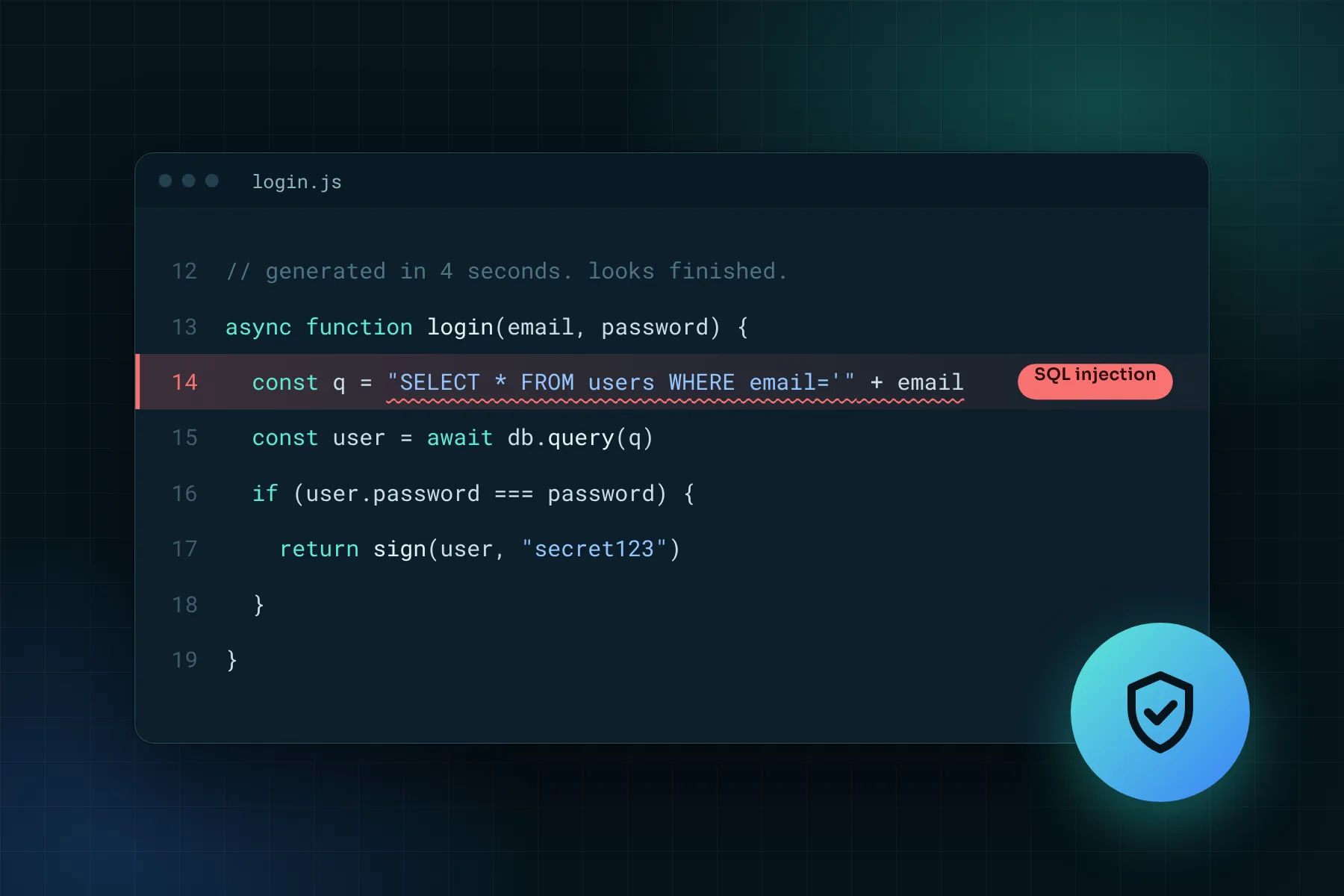
- Security model: who can do what, what counts as sensitive (passwords, photos, personal data), and how it's protected.
- Out of scope: what you're deliberately not building yet, with a one-line reason each. This is the section that saves you from scope creep, and from an AI builder gold-plating features you never asked for.
The out-of-scope note is the one people skip and regret. Naming what you're not building is often more useful than listing what you are.
How to write a PRD, step by step
You don't have to write these in strict order, but this sequence keeps things coherent.
- State the objective and the problem. One or two sentences: what are you building, and what problem does it solve for whom? If you can't write that cleanly, the rest won't hold together. This is also where validation belongs. If you haven't pressure-tested the idea yet, read How to Validate Your App Idea before you spec anything.
- Define your users and their stories. Write the personas and the user stories ("As a [user], I want to [action] so that [outcome]"). Requirements that aren't tied to a real user tend to become features nobody asked for.
- Nail down the data before the features. Describe what you store and how it connects before you spec a single screen. Get the data model wrong and every screen you build on top of it fights you. Get it right and the features fall into place.
- Spec the screens, and the non-features. For each screen, capture what it shows, who can use it, and what happens on submit. Then write the out-of-scope list. Scope creep starts in the gaps you didn't label.
- Set release criteria and success metrics. Decide what "shippable" means, then decide how you'll know it worked once it's live. A PRD without metrics is a wish list.
- Write the security in, not on. Note who can touch what, and which data is sensitive. Deciding that up front is one paragraph. Retrofitting it after everything's built is a rewrite.
- Keep it living. Marty Cagan of Silicon Valley Product Group has long argued that most specs "take too long to write, they are seldom read, they don't provide the necessary detail," and that a good prototype communicates better than a fat document. The point isn't "skip the PRD." It's keep it lightweight, keep it current, version it as you go (v1 to v2 to v3 is normal), and pair it with something people can actually click.
Do you need a PRD for an AI-built (vibe-coded) app?
Yes, and honestly more than you would for a traditionally built one. Here's the thing nobody warns you about: AI builders don't understand your app, they pattern-match it. And they drift in predictable ways. They forget which fields your database actually has and invent new ones. They guess your dropdown options from whatever sample data they can see, and miss half of them. They quietly hand out more access to your data than they should, because it was the convenient way to make one form work.
Every one of those gets caught the same way: you go back to the PRD. It's the fixed point the AI keeps drifting away from. That's a big part of why vibe-coded apps go sideways, the scope drifts, the "why" gets lost, and nobody can say what the thing was supposed to do in the first place. A PRD written after a first AI prototype forces the clarity you skipped, and hands you something concrete to give the tool every time it loses the plot.
Coming soon: 303's free "Build Your Own PRD" tool. It walks you through the exact sections above, vision, users, data, screens, security, and scope, and hands you a clean, engineer-ready (and AI-builder-ready) PRD. No template wrangling. Join the waitlist for early access.
Need help turning a prototype or a rough idea into a real spec? That's what 303 Software's System Design & Planning service does: we sit down with you to figure out what to build and why before a line of production code gets written. We've used this exact methodology to take founders' AI-built prototypes and turn them into real production software.
Frequently asked questions
What is a PRD in product management?
A PRD (product requirements document) is a shared document that defines what a product release should do and why: its features, purpose, and scope. It covers what to build, not how to build it. On an AI-assisted build, it doubles as the source of truth the tool keeps forgetting.
What should a PRD include?
At minimum: a vision, the users (and what they don't need), the data lifecycle, the data model, a screen-by-screen spec, a security model, and an explicit out-of-scope list. Not every product needs all of them, so use what fits.
What's the difference between a PRD, an MRD, and a functional spec?
An MRD covers market demand and the business case (the why), a PRD covers use cases and desired functionality (the what), and a functional or technical spec covers implementation (the how), usually written by engineering.
How long should a PRD be?
There's no set length. Modern agile practice favors lightweight, living PRDs over exhaustive ones. Marty Cagan of SVPG has argued that long specs often go unread and that a working prototype communicates better, so aim for the shortest document that removes real ambiguity.
Do I need a PRD for an AI-built app?
Yes, arguably more than for a hand-built one. AI builders drift, forgetting your real fields, guessing options from sample data, over-granting access, and the PRD is the fixed point you return them to every time. Write it, often after a first prototype, to define what a real version should be before you invest in a rebuild.
Is there a PRD template?
The section list in this guide works as a template: vision, users, data lifecycle, data model, screens, security, and out-of-scope. 303 Software is also building a free guided "Build Your Own PRD" tool, so join the waitlist to be notified.
Sources
- ProductPlan, "Product Requirements Document (PRD)" glossary. productplan.com/glossary/product-requirements-document
- Figma, "What is a product requirements document?" resource library. figma.com/resource-library/product-requirements-document
- Marty Cagan (Silicon Valley Product Group), "Revisiting the Product Spec." svpg.com/revisiting-the-product-spec
Related posts


Ready to Transform Your Business?
Contact us today to discuss how we can help with your next project or service.